
I AM CHEER
Step 1: Open Live & Select Your Language (40 Languages) Navigate to the Live...
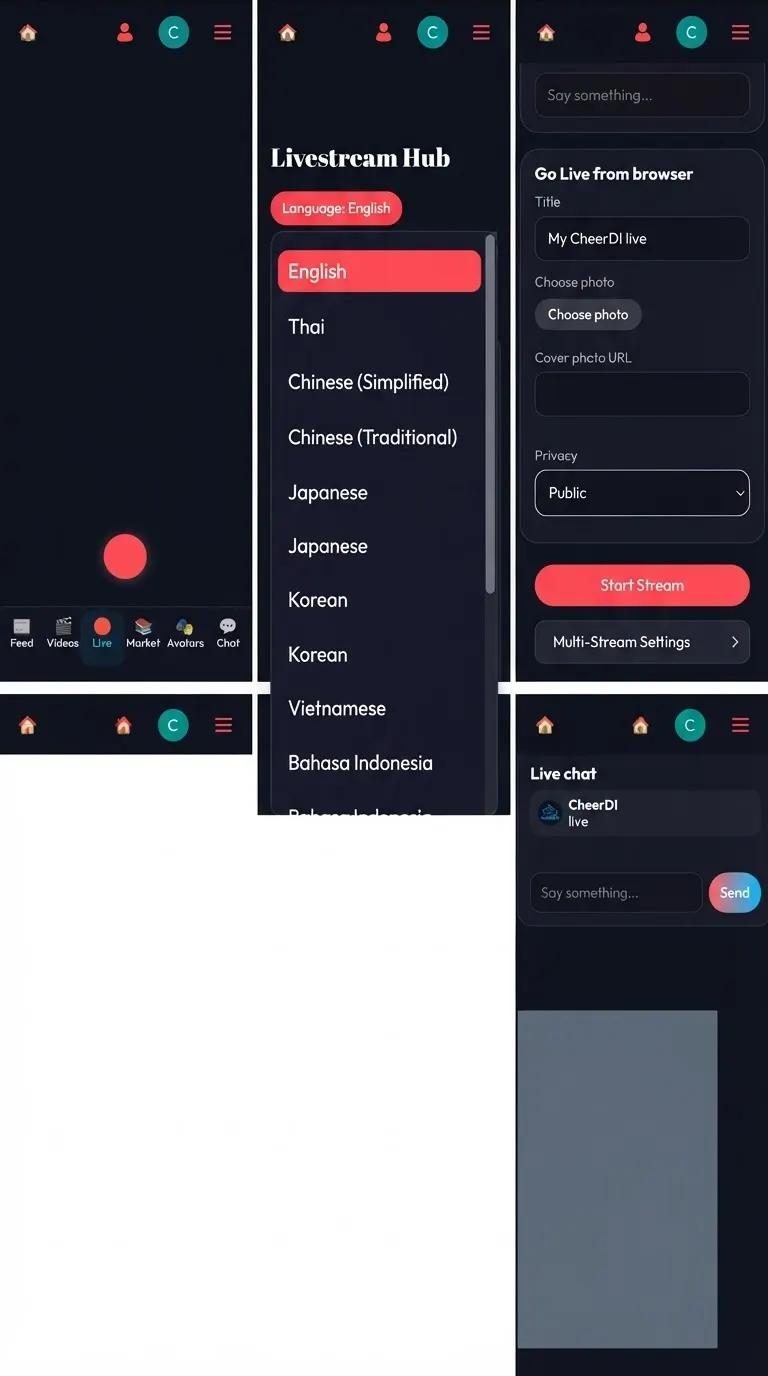
Step 1: Open Live & Select Your Language (40 Languages) Navigate to the Live section, pick from 40 languages, and use the top bar (Home, Profile, Menu) to move around smoothly. Step 2: Set Your Live Title & Privacy (Public or Private) Enter your livestream title, choose Public or Private visibility, and tap Go Live to launch your broadcast. 3.Step 3: Broadcast Live & Navigate Across Sections Once live, engage with viewers and scroll/tap through Feeds, Video, Live, Market, Avatar, and Chat as needed.